If you are logged out of the terminals, you will need to log back in using the assigned device codes that can be found in your Square Dashboard.
Use the following path on you Square Dashboard:
Settings/Device Management/Devices
Go to Device Type
Deselect Select All
Select Register
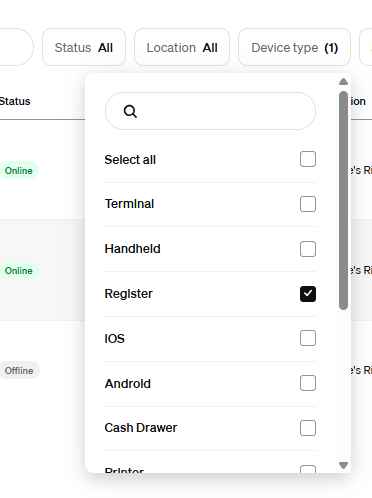
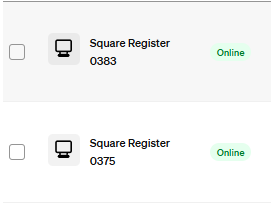
Click on Registers that are Online
Scroll down to the bottom of the right pane until you see Device Codes and click on View.
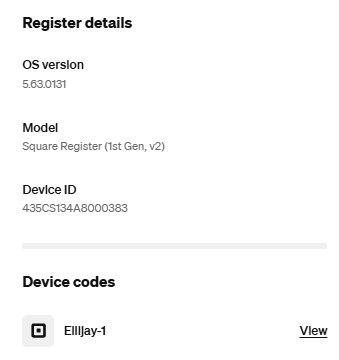
Record this number for both terminals. If you don't know which register goes with which code try them both.
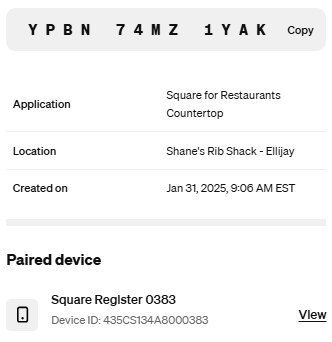 One will work.
Was this article helpful?
That’s Great!
Thank you for your feedback
Sorry! We couldn't be helpful
Thank you for your feedback
Feedback sent
We appreciate your effort and will try to fix the article