Add an authorized representative
You can add existing team members as authorized representatives from your business settings.
- Sign in to Square Dashboard and go to Settings > Account & Settings > My business > Security.
- Under Authorized Representatives, select Select existing team members. If you select Add new team member, follow the steps to add a new team member.
- Select an existing team member and select Assign authorized representative.
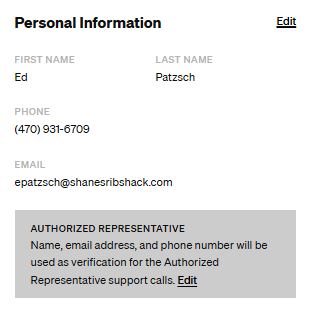
Here's how it should look when completed.
Was this article helpful?
That’s Great!
Thank you for your feedback
Sorry! We couldn't be helpful
Thank you for your feedback
Feedback sent
We appreciate your effort and will try to fix the article