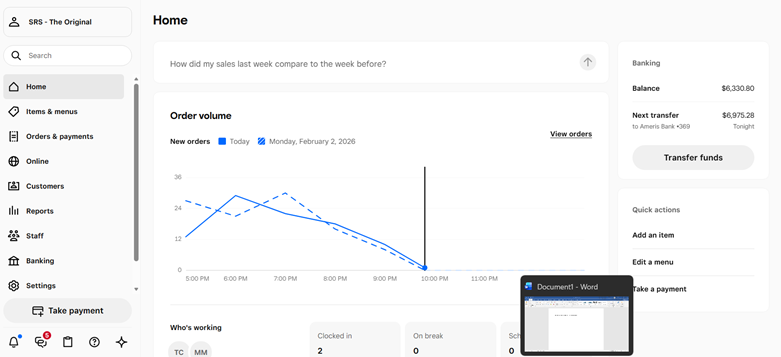
FROM SQUARE DASHBOARD- HOME SCREEN > SELECT REPORTS
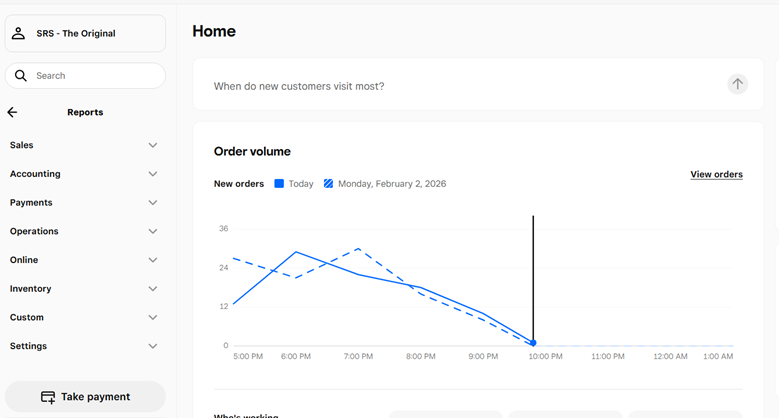
SELECT SALES
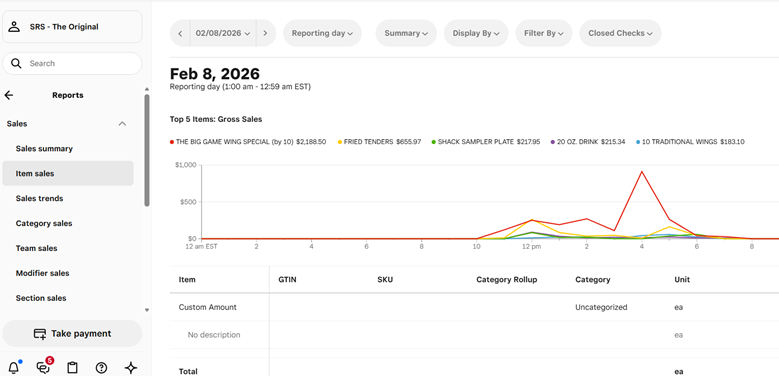
SELECT ITEM SALES---CHANGE THE DATE TO DESIRED DATE > I have changed to Superbowl Sunday 2/8
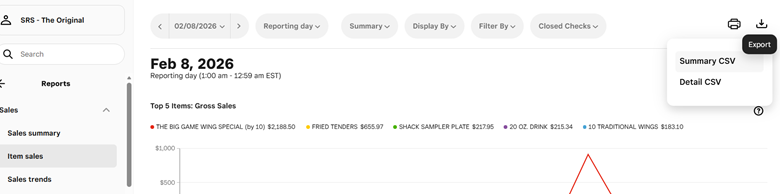
SELECT EXPORT (TOP RIGHT- THEN SELECT SUMMARY CSV)
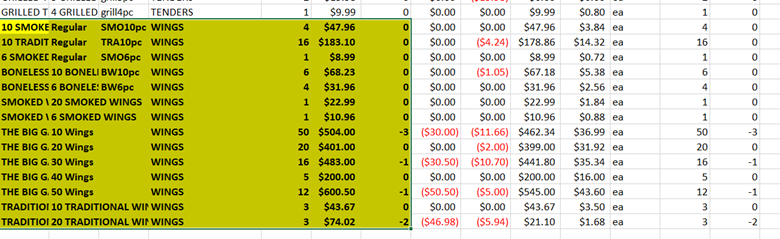
I HAVE SCROLLED DOWN AND HIGHLIGHTED OUR WINGS CATEGORY, COPY AND PASTED BELOW. You can FREEZE TOP ROW, Create a CUSTOME SORT by QUANTITY
Was this article helpful?
That’s Great!
Thank you for your feedback
Sorry! We couldn't be helpful
Thank you for your feedback
Feedback sent
We appreciate your effort and will try to fix the article